
The Online MindMap Maker For Studying

Upload a PDF, a recorded lecture, or a YouTube link. Mindmapi reads it and builds an interactive mind map of the whole topic.

There is nothing to download and nothing to set up. Sign in, and your first mind map is on us. No card needed.

How It Works: Create a Mind Map in 4 Simple Steps

Start with your own material, then change anything the AI produces. Move the branches, reword the nodes, and lay the map out the way you think.

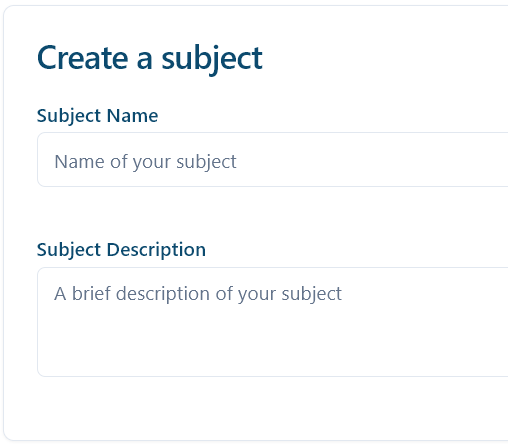
1: Name Your Subject

Give it a title and a one-line description. That becomes the centre of your map

image

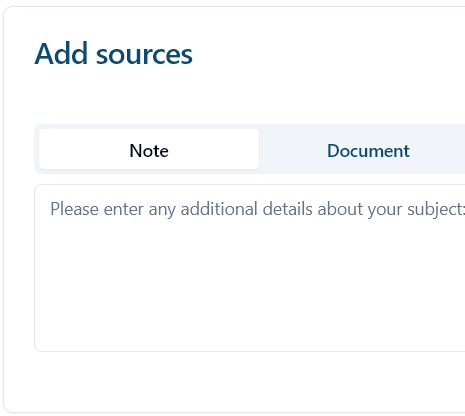
2: Add Your Study Materials

Add notes, a PDF or Word file, a lecture recording, or a YouTube link.

image

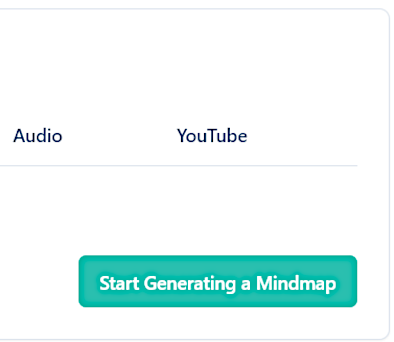
3: Let the AI Create Your Map

Press Generate. The AI reads your sources and builds the branches, and the notes behind them.

image

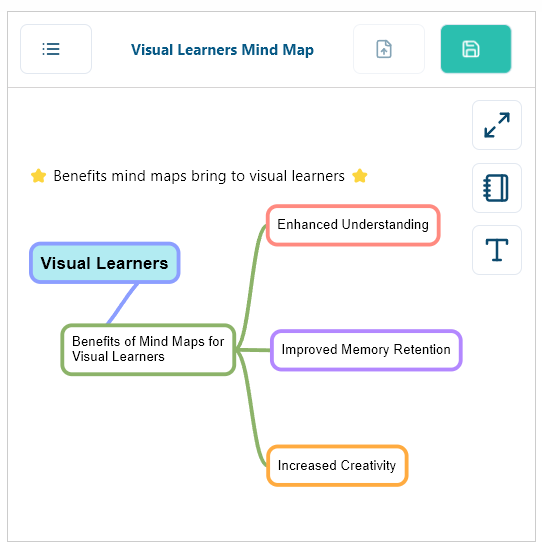
4: Start Visual Learning

Drag the branches, add your own notes, then export the map when it is time to revise.

image

Everything You Revise From, In One Mind Map

Your course material arrives in a dozen different formats. Mindmapi takes typed notes, PDFs, Word documents, recorded lectures and YouTube videos, then pulls them into a single interactive map you can actually revise from.

  • rounded checkTurn a recorded lecture into structured revision notes
  • rounded checkBreak a long reading list down into branches you can scan
  • rounded checkPlan an essay or dissertation before you write a word
  • rounded checkSee a whole module on one screen the night before an exam
  • rounded checkRun a live session and edit one map together in real time
  • rounded checkExport the finished notes to PDF or Word

Start your first map today with Mindmapi.ai, the online mind map maker for visual learners.

mindmap sourcesframe
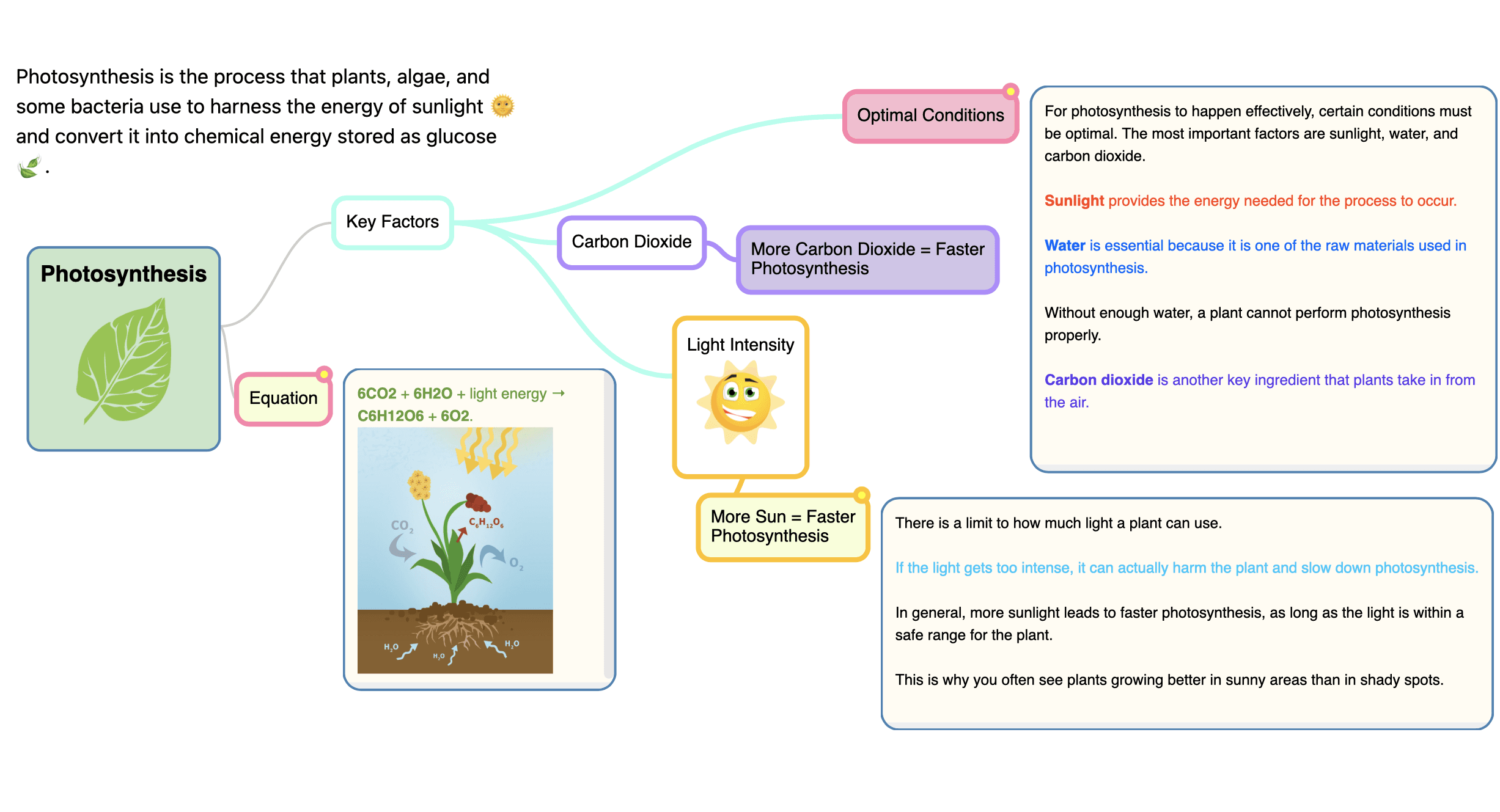
Photosynthesis mindmap banner

Mind Mapping for Every Task

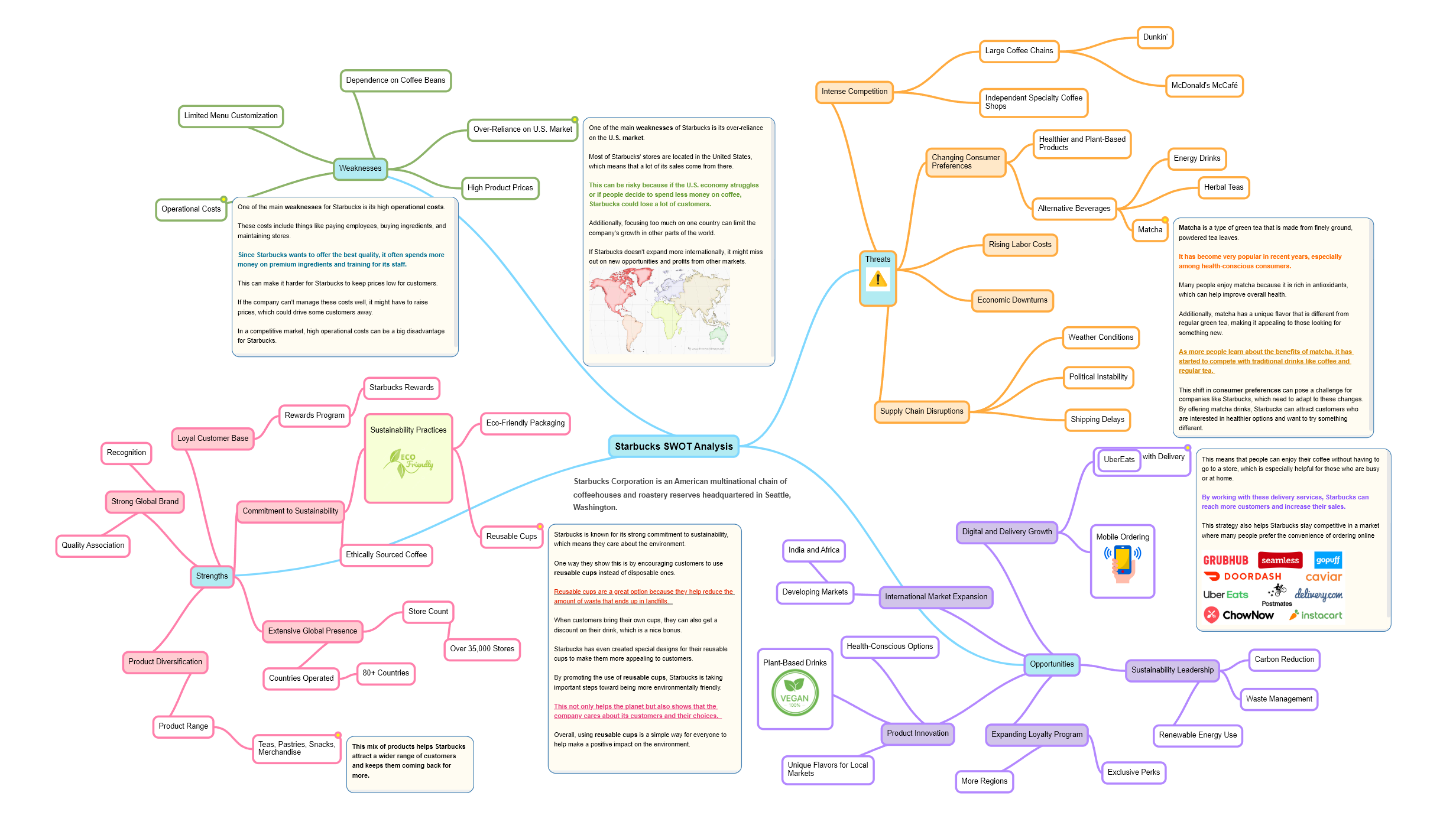
Mindmap used to Organise Notes
Improve Descision Making Mindmap
Simplify Analysis Mindmap
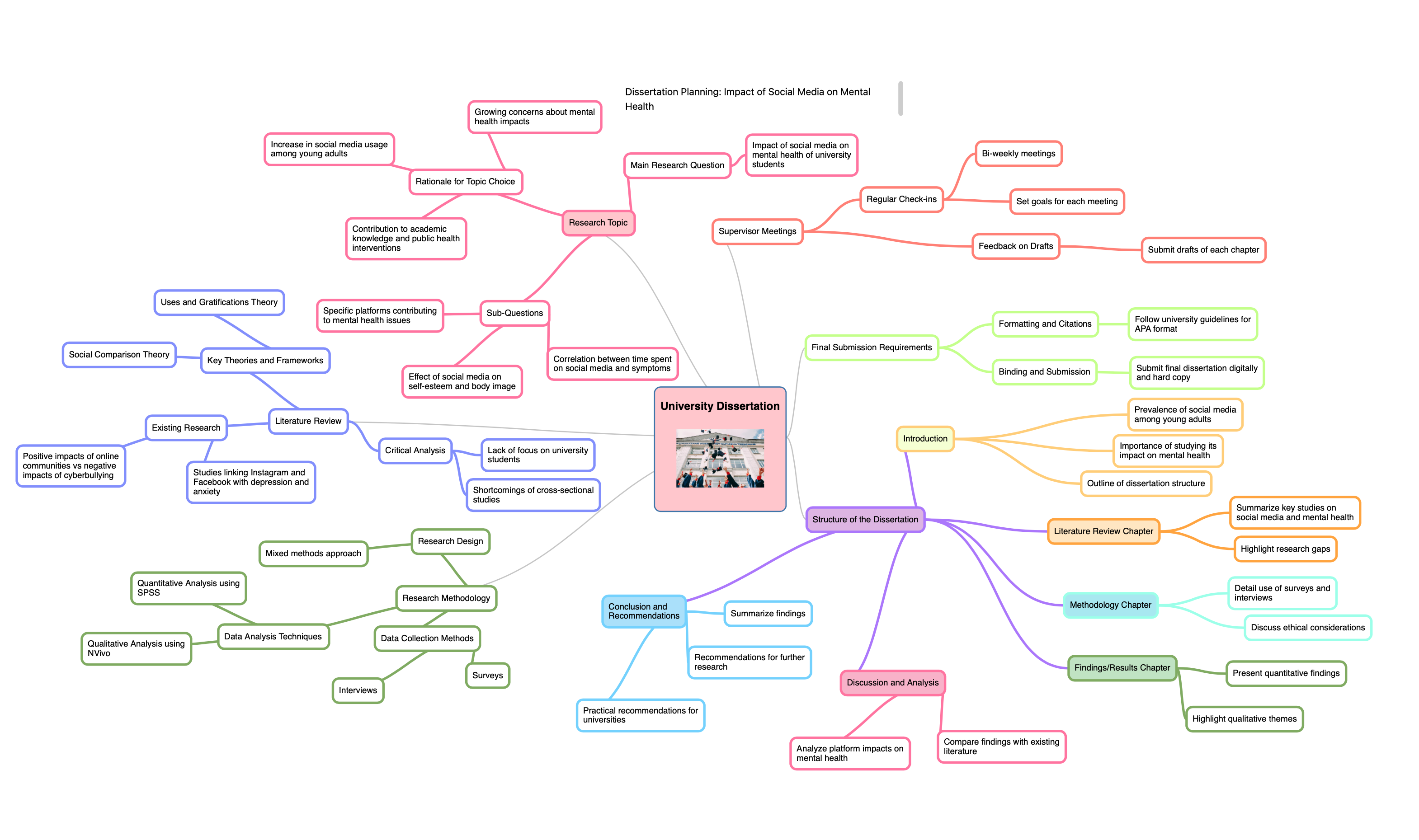
Mindmap of Dissertation Planning
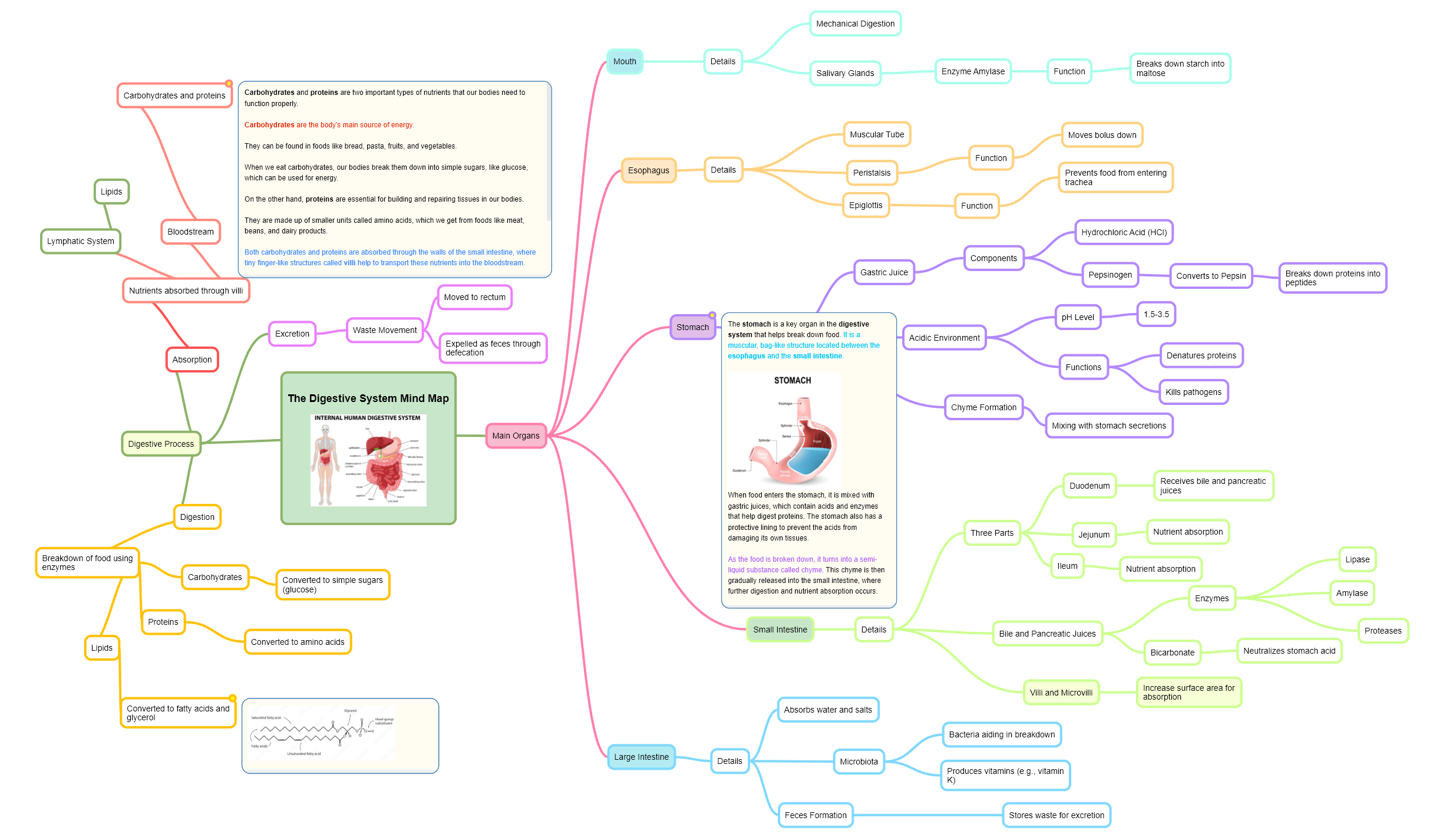
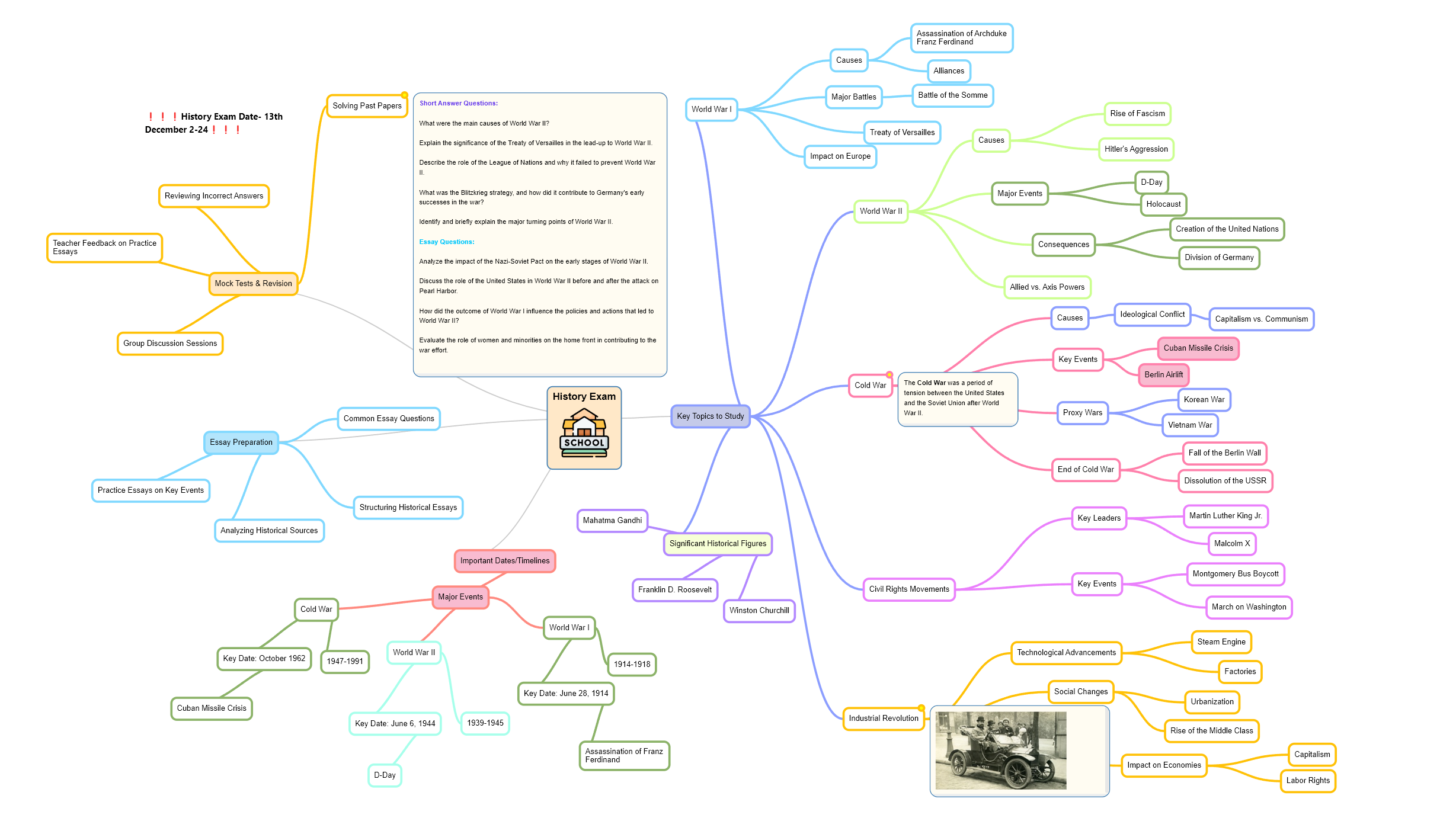
Mindmap of history lecture

Made For The Way
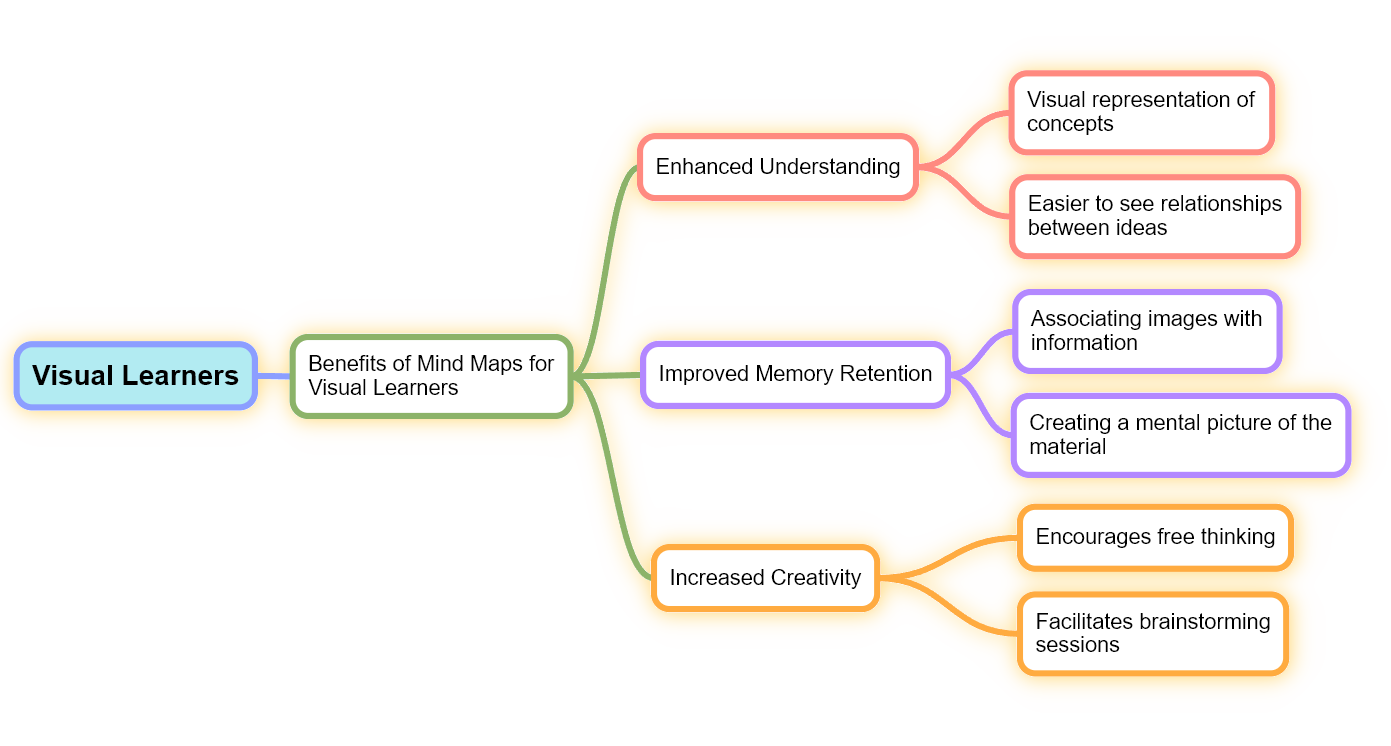
Visual Learners Study

A wall of linear notes hides the thing you are being examined on: how the ideas connect. A mind map puts that structure on the surface, where you can see it.

'Stop re-reading pages of notes. Start seeing the whole topic at once.'

Mindmapi turns your material into a branching diagram, so a difficult subject becomes a shape you can hold in your head. Big ideas sit at the centre, supporting detail hangs off them, and the links between them are drawn in rather than left for you to infer.

It works the same whether you are revising for an exam, planning a project, or trying to get your head around one stubborn concept. Every subject, every level.

Not sure whether mind mapping suits you? Take the quiz and find out.

visual learners mindmap

One Tool, Every Kind of Study Problem

Built for students, and just as useful for the people teaching them

For Students

Are Your Notes a Mess?

Feed in a term of lecture notes and get back one structured map, so revision starts from something you can actually navigate

For Students

Stressed About Exams?

Break a daunting module into branches you can work through one at a time, and see at a glance how much is left

For Teachers

Want to Engage Your Students?

Turn a lesson plan into a clear interactive map you can walk a class through, instead of another slide deck

For Teachers

Struggling to Explain Complex Topics?

Show how the parts of a topic connect, and let the shape of the idea do some of the explaining for you

For Brainstorming

Your Ideas Don't Make Sense?

Branch out from a single idea and let the structure emerge, instead of staring at a blank page

For Students and Researchers

Research Scattered Across Twenty Tabs?

Pull your sources, findings and arguments into one map, so the connections between them stay visible while you write

Why Choose Mindmapi.ai?

More than a diagram. Mindmapi writes the notes behind each branch, so you can go deeper on any part of a subject without leaving the map.

AI That Reads Your Material

Point it at a document or a lecture and it works out the structure for you, down to the subtopics.

Every Source In One Place

Typed notes, PDFs, Word files, audio recordings and YouTube links all feed the same map.

Built To Be Explored

Collapse the branches you have learned and open the ones you have not. The map moves with you.

Ask AI To Fill A Gap

Stuck on one branch? Ask for a written explanation of that topic and it is added straight to the node.

Yours To Rearrange

Drag the nodes, recolour the branches, draw your own arrows and brackets, and paste in images.

Made For Revision

See a whole module on one screen, then take it into the exam period as a PDF or Word document.

Collaborate Live, Together

Start a live session and share one link. Your class or study group joins and edits the same mind map in real time, and you can see who's adding what as it happens. Perfect for teachers leading a class or a group revising together.

Works In Your Browser

Nothing to install and no licence to manage. Sign in on a laptop, tablet or phone and pick up where you left off.

Or Build It Yourself

Prefer to map it out by hand? Start from scratch and add every branch yourself. The AI is there if you want it.

Is The Way You Revise Holding You Back?

Answer a few quick questions and find out whether mind mapping suits the way you study.

Start Mapping Your Ideas for FREE!

Try out Mindmapi for free, and when you are ready, upgrade to PRO

Free

Try for free, no credit card required.

£0per month

  • Create custom or AI generated mind maps
  • Limit of 3 AI-Powered suggested topic notes
  • AI analysis of imported content
  • Unlimited customisation
  • Advanced export options

Pro - Limited Time Discount

Unlock the full potential of mindmaps with Pro!

£5.99£14.99per month

  • Unlimited custom mind maps
  • Unlimited AI-Powered suggested topic notes
  • Upto 30 AI-Generated mind maps per month
  • Sophisticated AI analysis of imported content
  • Multi-format import support
  • Advanced export options
  • Unlimited customisation
  • Share and present to other users
  • Regular feature updates

Frequently Asked Questions

What's the best way to use mindmaps to organise my thoughts?angle down

Mind maps help organise thoughts by starting with a central idea and branching out into related concepts. To use them effectively, begin with your main topic in the center, then add major themes as branches, and fill in details on smaller sub-branches. This visual approach, combined with AI support from our tool, can make it easier to understand and remember course material. It helps you see how different parts of a subject fit together, identify areas that need more focus, and even generate new insights.

Can I delete my mindmaps if I no longer need them?angle down

Yes, you can permanently delete your mind maps and data at any time. Once deleted, this information is removed from our servers.

How can I use mind maps to take lecture notes?angle down

You can use mind maps to take lecture notes by focusing on key points and keywords instead of writing everything down verbatim. Start by placing the main topic at the center of your mind map, then branch out with subtopics as the lecture progresses. This approach creates a visual representation of the material, showing the main ideas and their connections. It helps you understand the lecture more effectively and makes it easier to review your notes later.

Can mind maps help me improve my exam results?angle down

Yes, mind maps can help improve your exam results. They allow you to summarize entire subjects or specific topics in a clear, visual format. By incorporating colors and images, mind maps make it easier to remember information. Research shows that visual aids like mind maps can significantly boost recall during tests. Additionally, creating mind maps actively engages you with the material, reinforcing your understanding and aiding long-term retention.

What's the difference between the free and paid plan?angle down

The free plan gives you one AI-generated mind map, so you can see exactly what the tool produces before paying anything, and you can keep editing that map by hand as much as you like. Pro raises the limit to 30 AI-generated mind maps per billing period, across as many subjects as you want.

Can I create a mind map manually without using AI?angle down

Yes, you can! Simply press the 'Start from Scratch' button when creating your mind map. This allows you to manually add, edit, and organise sub-topics as you like, giving you full control over the content and structure. The AI features are there if you need them, but you're free to build your mind maps entirely on your own.

How long does it take to generate a mind map?angle down

It depends on how much you give it. A short set of notes comes back quickly, while a long PDF or a full lecture recording can take up to five minutes, because the AI reads the whole source before it starts building the map. You only wait once. After that, the map is yours to edit instantly.

What can I upload as a source?angle down

Typed notes, PDF, Word and plain text documents, MP3 recordings, and YouTube links. You can combine several sources into a single mind map, so a lecture recording and the reading that went with it end up on the same page. Documents are limited to 1MB each and audio files to 5MB.

logo

Mindmapi interactive AI-Powered Mind Maps, organise your notes and simplify learning.

facebooktwitterinstagramyoutube

Contact Us

  • call

    Email: support@mindmapi.com

  • call

    Location: Social Entrepreneur,
    UK

Copyright © 2024 Mindmapi. All Rights Reserved
